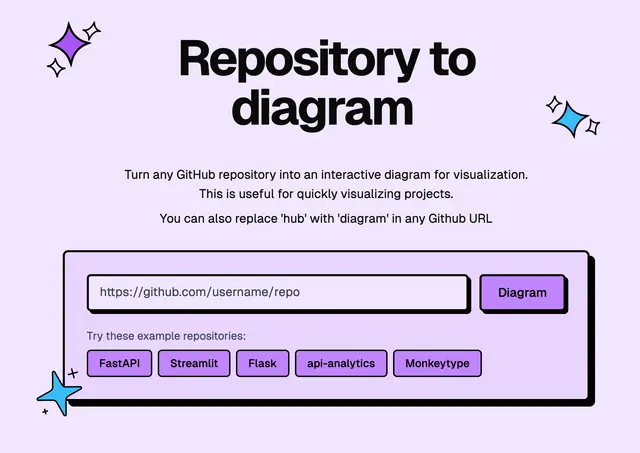
GitHub Architecture Diagram
Explains a public repo's architecture with components, data flow, and a Mermaid diagram.
Install
npx skills add ahmedkhaleel2004/gitdiagram --skill gitdiagram -g -a claude-code -y- Repository
- ahmedkhaleel2004/gitdiagram18.7k
- Category
- Engineering
- Updated
- 6d ago
- License
- MIT
- Context cost
- Lightabout 288 tokens
- Runs scripts
- No, instructions only
What it does
Show the architecture of a public GitHub repository with GitDiagram (gitdiagram.com) - a written explanation, its main components and source paths, how they connect, and a Mermaid diagram. Use when the user wants to understand, map, visualize or get an overview of a GitHub repository or open-source project's architecture, structure or data flow, or asks for an architecture diagram of a repo, e.g. "/gitdiagram fastapi/fastapi" or "how is vercel/next.js structured?".
GitDiagram
Explain the architecture of the GitHub repository the user named (owner/repo or a GitHub URL) with GitDiagram.
- If you only have a project name, call the
find_repository_diagramstool from thegitdiagramMCP server to find its exactowner/repo. - Call
get_repository_diagramwithowner/repoor the GitHub URL. - Answer from the result: a short summary of how the codebase is organized, the main components with their source paths, and how they connect. Include the Mermaid source when the user asked for a diagram, and the interactive diagram link (
https://gitdiagram.com/owner/repo), where each component opens its code. - If GitDiagram has no diagram yet, give the user the link from the result: opening it in a browser generates one for free in about a minute. Then offer to read it again.
If the gitdiagram MCP tools are not available, fetch https://gitdiagram.com/owner/repo.md instead: it is the same diagram as Markdown (a 404 means there is no diagram yet).
GitDiagram covers public repositories only. Its diagrams are AI-made overviews, so check specific claims against the source before relying on them.



