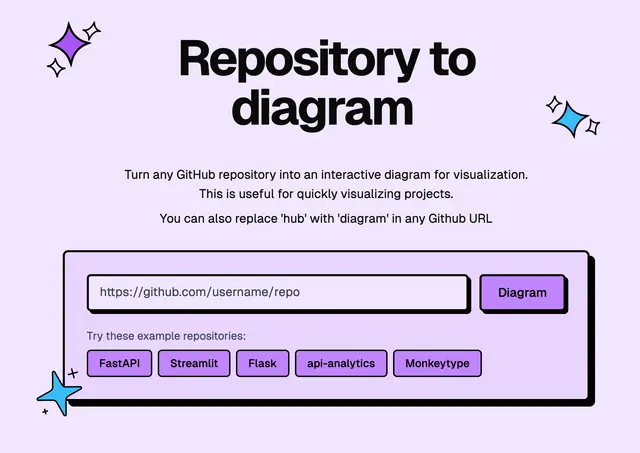
Repository Architecture Diagram
Explains how a public GitHub repository is built, with an architecture diagram.
Install
npx skills add ahmedkhaleel2004/gitdiagram --skill repo-architecture -g -a claude-code -y- Repository
- ahmedkhaleel2004/gitdiagram18.7k
- Category
- Engineering
- Updated
- 5d ago
- License
- MIT
- Context cost
- Lightabout 342 tokens
- Runs scripts
- No, instructions only
What it does
Explain how a public GitHub repository is built using GitDiagram's architecture diagram. Use when the user asks how a GitHub repository or open-source project is structured or organized, wants an architecture or system diagram of a repo, or is starting work in an unfamiliar codebase hosted on GitHub.
Explain a repository's architecture with GitDiagram
- Work out the repository as
owner/repo. Take it from a github.com URL the user gave, or, when working inside a local clone, from itsoriginremote. If the user only named a project, callfind_repository_diagramswith the name and pick the match the user means; ask if several fit. - Call
get_repository_diagramwithowner/repo. It returns GitDiagram's written explanation, the main components with the paths they live in, how they connect, Mermaid source and the interactive diagram link. In ChatGPT the diagram also appears as an interactive view. - Answer the user's actual question from that result. Name components by their labels, cite their source paths, and give the interactive diagram link so they can explore it. The diagram is AI-generated from the repository's files: when the user needs certainty about a detail, check the code at the cited path.
- If GitDiagram has no diagram yet, say so plainly and share the link from the result, which makes one on gitdiagram.com in about a minute. Don't describe an architecture you haven't read.
- If the user wants something to watch or share, call
get_explainer_videofor the repository's narrated explainer video, when one exists.
GitDiagram only covers public GitHub repositories and is read-only: it never changes anything on GitHub.



