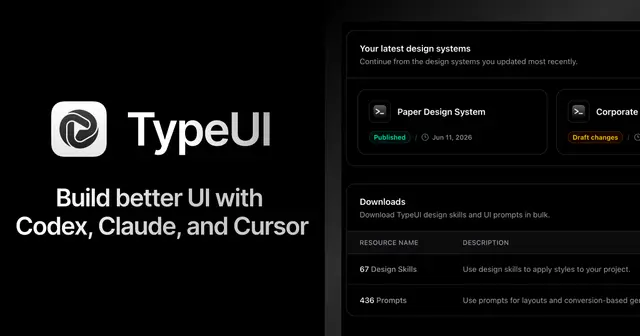
Typeui
Use TypeUI with Hermes Agent to access project design skills, brand kits, UI prompts...
Install
npx skills add bergside/typeui --skill typeui -g -a claude-code -y- Repository
- bergside/typeui2.2k
- Category
- Design
- Updated
- 13d ago
- License
- MIT
- Context cost
- Lightabout 399 tokens
- Runs scripts
- No, instructions only
What it does
Use TypeUI with Hermes Agent to access project design skills, brand kits, UI prompts, and layout variations through the TypeUI MCP server when creating or refining user interfaces.
TypeUI for Hermes Agent
Use this skill when the user wants Hermes Agent to build, redesign, or refine UI with TypeUI context.
What TypeUI Provides
- Project design skills for consistent visual direction.
- Brand kits with project name, logo, typography, and brand color tokens.
- UI prompt libraries for common interface sections and full-product flows.
- Layout variation guidance for producing better options before implementation.
How to Use TypeUI
- Prefer TypeUI MCP tools when they are available in the session.
- Ask the user which TypeUI project or design skill to use if the request does not specify one.
- Apply the selected project context before choosing colors, type, spacing, component tone, or page composition.
- Treat brand kit values as brand parameters only: logo, project name, typography, and brand colors.
- Treat the design skill as the source of UI style, component behavior, visual hierarchy, spacing, and interaction patterns.
MCP Server
This plugin package installs the TypeUI remote MCP server:
https://mcp.typeui.sh
If TypeUI tools are not available in the current Hermes session, install the MCP server with the plugin command:
hermes typeui install-mcp
hermes mcp login typeui
Hermes agents can also call typeui_install_mcp to write the TypeUI MCP server entry.
Prompt Examples
- Use my TypeUI project and build a landing page.
- Generate three pricing section variations with TypeUI.
- Redesign this dashboard using my TypeUI design skill.
- Pull the TypeUI context for this project before changing the UI.





