Browserwing
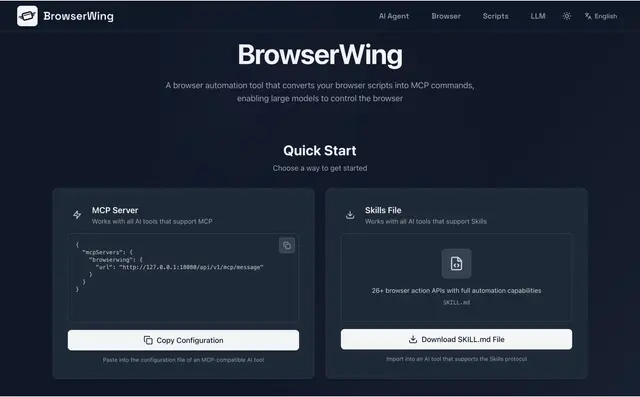
Browser automation platform with 78 built-in scripts and full CLI.
Install
npx skills add browserwing/browserwing --skill browserwing -g -a claude-code -y- Repository
- browserwing/browserwing1.4k
- Category
- Git and review
- Updated
- 3mo ago
- License
- MIT
- Context cost
- Mediumabout 1,626 tokens
- Runs scripts
- No, instructions only
What it does
Browser automation platform with 78 built-in scripts and full CLI. Turn any website into structured data with one command. Use when the user needs to scrape websites, extract data, automate browsers, run built-in scripts (Hacker News, GitHub trending, Bilibili, Zhihu, stock data, etc.), navigate pages, fill forms, take screenshots, or control Chrome programmatically. Triggers include "scrape", "extract data", "browser automation", "web data", "trending", "hot topics", "stock data", "run script", "open website", "fill form", "screenshot", "headless browser".
BrowserWing
Browser automation platform with 78 built-in scripts, CLI for AI agents, and full browser control API. Turn any website into structured JSON with one command.
Install
npm install -g browserwing
Then start the server:
browserwing --port 8080
Chrome must be installed on the host machine.
Verify Installation
browserwing doctor
Quick Start, Run Built-in Scripts
BrowserWing ships with 78 ready-to-use scripts across 10 categories. No configuration needed.
# Get Hacker News top stories
browserwing run hackernews-top

# Get GitHub trending repos
browserwing run github-trending

# Get Bilibili hot videos
browserwing run bilibili-hot

# Search with parameters
browserwing run jd-search --keyword="mechanical keyboard"

# Output as table or CSV
browserwing run douban-movie-hot --format=table
browserwing run sinafinance-rank --format=csv > stocks.csv
Discover Scripts
# List all scripts
browserwing ls

# List only built-in scripts
browserwing ls --builtin

# Search by keyword
browserwing ls --search=stock

# Filter by category
browserwing ls --category=finance

# JSON output for programmatic use
browserwing ls --format=json




