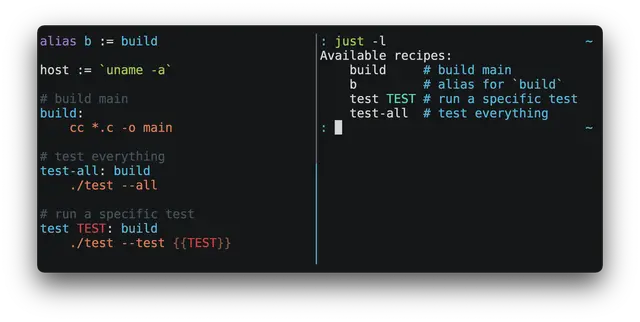
Just Command Runner
Explains the just command runner and how to write and use a justfile.
Install
npx skills add casey/just --skill just -g -a claude-code -y- Repository
- casey/just36.5k
- Category
- Engineering
- Updated
- 8d ago
- License
- CC0-1.0
- Context cost
- Lightabout 304 tokens
- Runs scripts
- No, instructions only
What it does
Reference for `just`, the command runner. Use when working in a project with a `justfile` or when the user mentions `just` or `justfile`.
Just
Discovery
just --dumpPrint justfilejust --evaluatePrint variable valuesjust --helpPrint detailed command-line syntax helpjust --listPrint recipes with descriptionsjust --show <RECIPE>Print recipe sourcejust --summaryPrint recipes without descriptiosn
Execution
justRun default recipejust <RECIPE>Run specific recipejust <RECIPE> <ARG1> <ARG2Run recipe with arguments
Syntax
executable := 'main'

# compile main.c
compile:
  cc main.c -o {{ executable }}

# run main
run: compile
  ./{{ executable }}

# run test
test name: compile
  ./bin/test {{ name }}

# start webserver
serve port='8080':
  python -m http.server {{port}}

# publish current tag
publish:
  #!/usr/bin/env bash
  set -euxo pipefail
  tag=`git describe --tags --exact-match`
  ./bin/check-tag $tag
  git push origin $tag
Notes
The comment proceeding a recipe is used as its doc-comment, and included in
just --list.
By default, each line of a recipe runs in a fresh shell. Recipes whose bodies
start with #! are written to a file and executed as a script.
Commonly used commands and scripts should be turned into just recipes.



