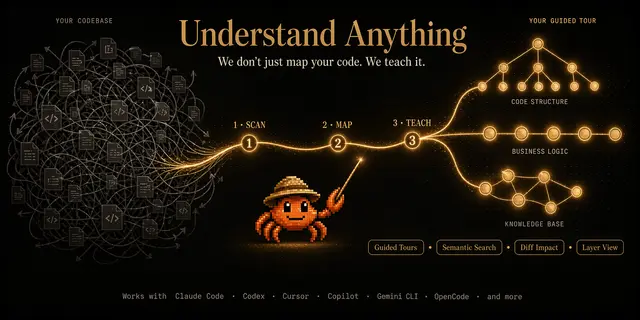
Codebase Knowledge Graph
Maps a codebase into an interactive knowledge graph of its architecture and components.
Install
npx skills add Egonex-AI/Understand-Anything --skill understand -g -a claude-code -y- Repository
- Egonex-AI/Understand-Anything89.6k
- Category
- Engineering
- Updated
- 8d ago
- License
- MIT
- Context cost
- Mediumabout 3,000 tokens
- Runs scripts
- Yes, review before use
What it does
Analyze a codebase to produce an interactive knowledge graph for understanding architecture, components, and relationships
/understand
Analyze the current codebase and produce a knowledge-graph.json file in the project's data directory (.ua/, or the legacy .understand-anything/ when it already exists). This file powers the interactive dashboard for exploring the project's architecture.
Options
$ARGUMENTSmay contain:--full, Force a full rebuild, ignoring any existing graph--auto-update, Enable automatic graph updates on commit (writesautoUpdate: trueto$UA_DIR/config.json)--no-auto-update, Disable automatic graph updates (writesautoUpdate: falseto$UA_DIR/config.json)--review, Run full LLM graph-reviewer instead of inline deterministic validation--language <lang>, Generate all textual content (summaries, descriptions, tags, titles, languageNotes, languageLesson) in the specified language. Accepts ISO 639-1 codes (zh,ja,ko,en,es,fr,de, etc.) or friendly names (chinese,japanese,korean,english,spanish, etc.). Locale variants supported:zh-TW,zh-HK, etc. Defaults toen(English). Stores preference in$UA_DIR/config.jsonfor consistency across incremental updates.--exclude <patterns>, Comma-separated glob patterns for additional files/directories to exclude from analysis (e.g.,--exclude "tests/*,docs/*"). These patterns take highest priority over built-in defaults and.understandignorerules. Supports gitignore syntax including!negation.- A directory path (e.g.
/path/to/repoor../other-project), Analyze the given directory instead of the current working directory
Progress Reporting
Throughout execution, report progress to the user at each phase transition and during batch processing. This keeps users informed on large codebases where analysis can take a long time.
- Phase transitions: At the start of each phase, print a status line:
[Phase N/7] <phase name>...Example:
[Phase 2/7] Analyzing files (12 batches)...



