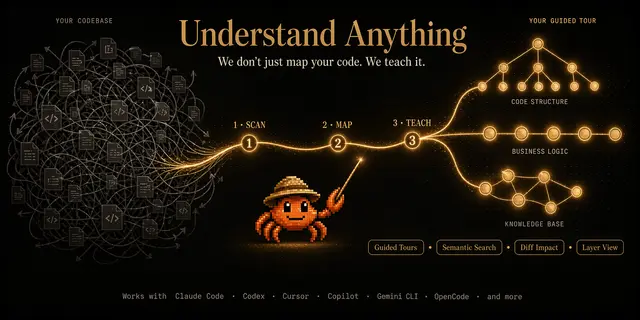
Knowledge Graph Dashboard
Opens an interactive web dashboard to explore a codebase's knowledge graph.
Install
npx skills add Egonex-AI/Understand-Anything --skill understand-dashboard -g -a claude-code -y- Repository
- Egonex-AI/Understand-Anything89.6k
- Category
- Engineering
- Updated
- 9d ago
- License
- MIT
- Context cost
- Mediumabout 1,837 tokens
- Runs scripts
- No, instructions only
What it does
Launch the interactive web dashboard to visualize a codebase's knowledge graph
/understand-dashboard
Start the Understand Anything dashboard to visualize the knowledge graph for the current project.
Instructions
-
Determine the project directory and data directory:
- If
$ARGUMENTScontains a path, use that as the project directory - Otherwise, use the current working directory
- Prefer the legacy
.understand-anything/data directory when it exists, otherwise use.ua/
Use the Bash tool to resolve:
PROJECT_ARG="$ARGUMENTS" if [ -n "$PROJECT_ARG" ]; then PROJECT_DIR=$(cd "$PROJECT_ARG" 2>/dev/null && pwd -P) else PROJECT_DIR=$(pwd -P) fi if [ -z "$PROJECT_DIR" ] || [ ! -d "$PROJECT_DIR" ]; then echo "Error: Project directory not found: ${PROJECT_ARG:-$PWD}" exit 1 fi if [ -d "$PROJECT_DIR/.understand-anything" ]; then UA_DIR="$PROJECT_DIR/.understand-anything" else UA_DIR="$PROJECT_DIR/.ua" fi - If
-
Check that
$UA_DIR/knowledge-graph.jsonexists in the project directory. If not, tell the user:No knowledge graph found. Run /understand first to analyze this project.Use the Bash tool to check:
if [ ! -f "$UA_DIR/knowledge-graph.json" ]; then
  echo "No knowledge graph found. Run /understand first to analyze this project."
  exit 1
fi



