Crack Panel
Work with the opt-in codex-on-crack build panel.
Install
npx skills add ethanplusai/codex-on-crack --skill crack-panel -g -a claude-code -y- Repository
- ethanplusai/codex-on-crack784
- Category
- Engineering
- Updated
- 1mo ago
- License
- MIT
- Context cost
- Mediumabout 1,946 tokens
- Runs scripts
- No, instructions only
What it does
Work with the opt-in codex-on-crack build panel. Report registered run and review status, submit new screenshot evidence for a registered review, and send the user to the panel to decide. Never record user feedback or visual approval yourself.
Build panel
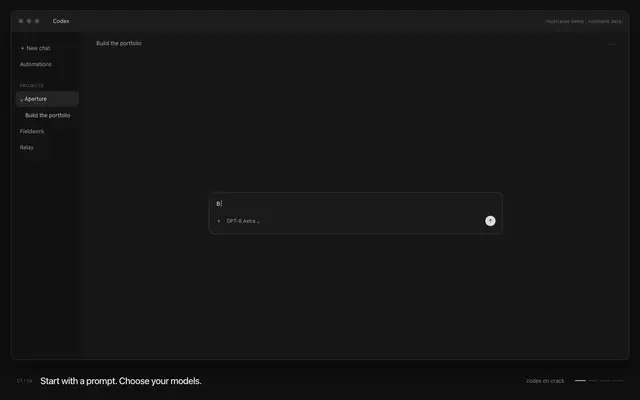
The panel shows registered codex-on-crack runs: phases, agents, activity, recorded usage, routes (configured versus verified), and visual reviews. The user opens it from the sidebar or a thread tab (Codex on Crack), or in a browser through the localhost fallback.
Open the embedded view first
When the user asks to open or see the panel, call crack_panel. This is the
MCP App surface, not a localhost browser tab. Do not start a browser server as
the default. A request to explore an example can use crack_panel with
demo: true; keep it explicitly labelled as generated data with no live work.
Use the localhost fallback only when the native surface is unavailable or the
user asks for a browser preview. State which surface actually opened.
If configuration is missing or points to a workspace on another computer, the view offers an example and connection details. A user request to connect this project authorizes a scoped configuration repair: read the plugin README's schema, preserve a backup, register the selected workspace and known run paths, and keep launch disabled. Do not invent run records or move missing logs. A configuration that already controls another workspace needs an additive, validated update rather than replacement. Reopen or refresh the view after a repair; an initially unconfigured server retries configuration loading.



