Slo Check
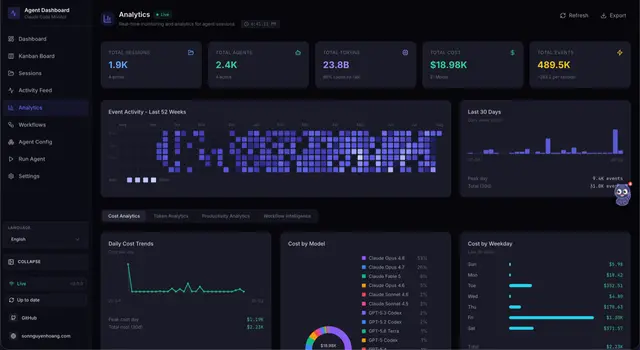
Define and check simple service-level objectives for Claude Code from Agent Monitor...
Install
npx skills add hoangsonww/Claude-Code-Agent-Monitor --skill slo-check -g -a claude-code -y- Repository
- hoangsonww/Claude-Code-Agent-Monitor1.1k
- Category
- AI and agents
- Updated
- 5d ago
- License
- MIT
- Context cost
- Lightabout 670 tokens
- Runs scripts
- No, instructions only
What it does
Define and check simple service-level objectives for Claude Code from Agent Monitor data, session completion rate, tool success rate (PostToolUse/PreToolUse), and error rate (APIError/total), then compare each to its target and report the error budget remaining. Use when reporting reliability or when someone asks "are we meeting our SLOs?".
SLO Check
Turn raw event counts into a clear SLO scorecard with error-budget accounting.
Input
The user provides: $ARGUMENTS
This may be:
- empty, use the default SLO targets below over all available data
- targets like "completion=95 success=99 error=1", override the defaults (percentages)
- a window like "last 7d" or "today", restrict the measurement period
Default SLO targets: completion rate ≥ 95%, tool success rate ≥ 99%, error rate ≤ 1%.
Data Sources
| Endpoint | Returns |
|---|---|
GET /api/analytics | event_types (PreToolUse, PostToolUse, APIError counts), sessions_by_status, daily_events (365d), daily_sessions (365d), the raw numerators/denominators for every SLI |
GET /api/stats | total_sessions, total_events, events_today, sessions_by_status, fleet totals and recency |
GET /api/events?session_id=X | Per-session stream, drill into the sessions that breach an SLO |
Report Sections
1. Service Level Indicators (SLIs)
Compute each SLI from GET /api/analytics / GET /api/stats:
- Completion rate = completed sessions / total sessions (from
sessions_by_status; countactive/runningas in-flight, exclude them from the denominator if still open). - Tool success rate =
PostToolUse / PreToolUse(capped at 100%). - Error rate =
APIError / total_events. Within a window, derive the numerators/denominators fromdaily_events/daily_sessions.
2. SLO Scorecard
For each SLI, compare to its target and mark MET ✅ or BREACHED ❌.
3. Error Budget
For each objective, report the error budget and how much remains:
- Budget =
1 − target(e.g., 1% for a 99% target). - For "higher-is-better" SLOs (completion, success): remaining =
(observed − target) / (1 − target). - For "lower-is-better" SLOs (error rate): remaining =
(target − observed) / target. - A negative result means the budget is exhausted, report how far over (e.g., "2.7× over budget").




