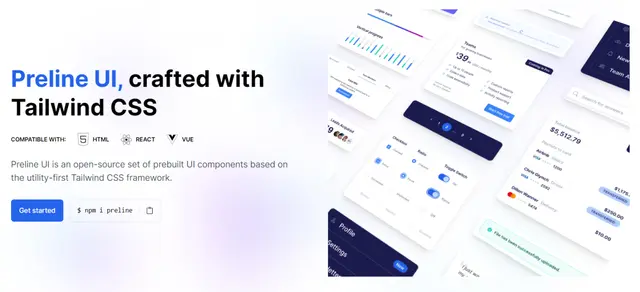
Preline Components
Adds Preline UI components and page blocks to HTML through its MCP server.
Install
npx skills add htmlstreamofficial/preline --skill preline-mcp -g -a claude-code -y- Repository
- htmlstreamofficial/preline6.5k
- Category
- Design
- Updated
- 2mo ago
- License
- See repository
- Context cost
- Mediumabout 2,855 tokens
- Runs scripts
- No, instructions only
What it does
Add, integrate, or build Preline UI components and blocks into HTML files via the Preline MCP server. Use when the user mentions "preline", says "/preline", asks to add a UI component, or requests a Preline block (a ready-made page section) using Preline UI.
Preline MCP
Intent
Use this skill to integrate Preline UI components and blocks into HTML files via the Preline MCP server. The server exposes 6 tools that return integration-ready HTML, CSS, and JS.
Activate when:
- User says "preline", "add preline", "/preline", "use preline"
- User asks for a Tailwind CSS component from the Preline library
- User asks for a block (ready-made page section) or a starter page
Defaults
- Never guess slugs. All section, component, and category identifiers are exact kebab-case strings. Always discover them via
components_listorblocks_categoriesfirst. - One at a time. Retrieve one component or block, integrate it fully, then move to the next.
- Always read the target file before inserting anything.
- Call
components_list({ section: "<inferred-slug>" })when the component type is known - this keeps the response small. Omit section only when unsure.
Decision: Component vs Block
| User says | Use |
|---|---|
| "component" / "components" | Component workflow |
| "block" / "blocks" (or "example" / "examples") | Block workflow |
| Ambiguous | Use judgment; blocks give more complete results |
Clarifying Vague Requests
Ask the user to pick instead of guessing in either of these cases:
- Abstract request. Too abstract to confidently map onto one category/section, let alone one block/component - e.g. "give me something for a pricing page", "I need a nice form", "show me a dashboard example". Start at step 1 below.
- Tied candidates. The request is concrete enough to reach a single category/section, but
blocks_in_category/components_list({ section })still leaves 2+ candidates whose titles + descriptions satisfy every criterion the request named about equally well (same layout/feature/style class), with nothing in the request to break the tie. Skip straight to step 3 below with just the tied candidates.





