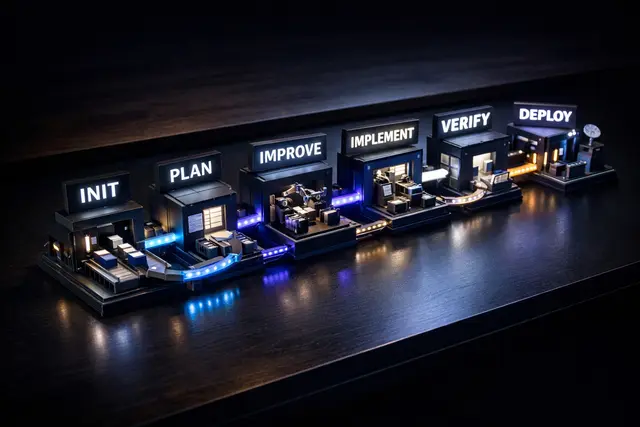
Aif Architecture
Generate architecture guidelines for the project.
Install
npx skills add lee-to/ai-factory --skill aif-architecture -g -a claude-code -y- Repository
- lee-to/ai-factory1.2k
- Category
- Engineering
- Updated
- 3d ago
- License
- See repository
- Context cost
- Mediumabout 3,000 tokens
- Runs scripts
- No, instructions only
What it does
Generate architecture guidelines for the project. Analyzes tech stack from DESCRIPTION.md, recommends an architecture pattern, and creates .ai-factory/ARCHITECTURE.md. Use when setting up project architecture, asking "which architecture", or after /aif setup.
Architecture - Generate Architecture Guidelines
Shared project skill-context
Before mode routing or work, read existing files relative to the current project root in this order (reuse them if already loaded):
.ai-factory/skill-context/global-skill-context.md, all bundled skills..ai-factory/skill-context/aif-architecture/SKILL.md, this skill.
Missing files are skipped; an existing unreadable file stops dependent work with its path.
Precedence: individual > build (when applicable) > global > skill defaults; retain non-conflicting instructions and check all outputs against the effective rules.
These layers customize workflow; they do not replace the project's rules/architecture hierarchy or relax explicit requirements, ownership, scope, safety/privacy, validation, or approval boundaries. Report conflicts with those boundaries instead of overriding them.
global is a project-local layer, not home-directory configuration. Custom/extension skills do not automatically use it.
Generate .ai-factory/ARCHITECTURE.md with architecture decisions tailored to the project.
Workflow
Step 0: Load Config & Project Context
FIRST: Read .ai-factory/config.yaml if it exists to resolve:
- Paths:
paths.descriptionandpaths.architecture - Language:
language.uifor prompts andlanguage.artifactsfor generated architecture content
When invoked by /aif, assume .ai-factory/config.yaml has already been written for the current setup run and already contains the resolved language.ui / language.artifacts values.
If config.yaml doesn't exist, use defaults:
- DESCRIPTION.md:
.ai-factory/DESCRIPTION.md - ARCHITECTURE.md:
.ai-factory/ARCHITECTURE.md - Language:
en(English)
THEN: Read .ai-factory/DESCRIPTION.md (use path from config) if it exists to understand:
- Tech stack (language, framework, database, ORM)
- Project size and complexity
- Core features and requirements
- Non-functional requirements



