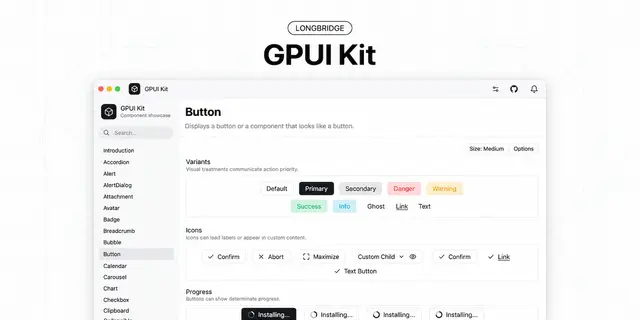
GPUI Kit Desktop Apps
Builds Rust desktop apps with GPUI Kit components, theming, and window overlays.
Install
npx skills add longbridge/gpui-kit --skill gpui-kit -g -a claude-code -y- Repository
- longbridge/gpui-kit18.9k
- Category
- Engineering
- Updated
- 3d ago
- License
- See repository
- Context cost
- Mediumabout 3,000 tokens
- Runs scripts
- No, instructions only
What it does
How to build desktop applications with GPUI Kit, the Rust framework published as the gpui-kit crate (GPUI plus gpui_kit::component, gpui_kit::base, gpui_kit::assets). Use when setting up a gpui-kit app, choosing or using a component (Button, Input, Select, Dialog, Sheet, Tabs, Sidebar, List, DataTable, Tree, Chart, etc.), handling component state, theming, or window overlays, and for GPUI mechanics: actions and keybindings, async tasks, contexts, custom elements, entities, events, focus, global state, layout and styling, ElementId, and tests including UI integration testing. Holds the normative Coding Guides: read them before any architecture, state-ownership, public API, naming, or testing decision. Pairs with the gpui-kit-design-guides skill for the Design Guides.
GPUI Kit
Applications depend on one crate, gpui-kit. GPUI is use gpui_kit::*;, and
each layer is reachable by name: gpui_kit::component (styled components),
gpui_kit::base (unstyled behavior), gpui_kit::assets (default icons),
gpui_kit::platform.
Start with component-family conventions to choose the constructor, state owner, event, and layout contract for the task. Learn the family once, then verify the specific component supports the capability.
For a complete compiled view with retained state, subscriptions, and overlay layers, read the tested application recipe.
Read the Guides First
Two guides hold the rules this skill assumes. They are requirements, not inspiration. Read the guide file itself; do not answer from this page, from a similar file in the codebase, or from training data.
| Guide | Read before |
|---|---|
Design Guides, skill gpui-kit-design-guides | Choosing components, layout, spacing, hierarchy, color, density, interaction states, overlays, motion, interface copy |
| Coding Guides | Crate layering, RenderOnce vs Entity<T>, state ownership, ElementId, events, focus, async, public API, naming, testing |



