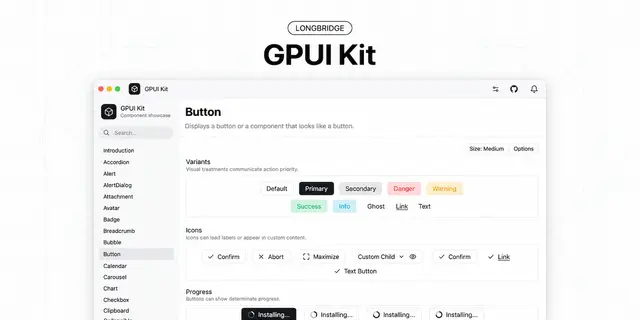
GPUI Kit Design Guides
Sets the design rules for GPUI desktop screens, layout, colour and interaction states.
Install
npx skills add longbridge/gpui-kit --skill gpui-kit-design-guides -g -a claude-code -y- Repository
- longbridge/gpui-kit18.9k
- Category
- Design
- Updated
- 3d ago
- License
- See repository
- Context cost
- Lightabout 930 tokens
- Runs scripts
- No, instructions only
What it does
The normative Design Guides for GPUI Kit desktop applications. Read in full before designing or changing any screen, layout, spacing, visual hierarchy, color, density, component choice, interaction state, overlay, motion, data-heavy view, or interface copy in a GPUI Kit (gpui-kit / gpui-component) application, and before reviewing UI work for design quality. Also use when asked what the design rules are, or whether a UI decision follows them.
GPUI Kit Design Guides
The guide is references/design-guides.md. It is a requirement, not inspiration. Read the guide file itself before doing UI work. Do not answer from this page, from an existing screen in the codebase, or from training data.
If the file is missing, fetch https://gpui-kit.com/docs/design-guides.md.
The guide is a verbatim copy of that page, so its link to ./coding-guides.md
means the Coding Guides in the gpui-kit skill (or https://gpui-kit.com/docs/coding-guides.md).
How to read it
Read the whole guide for a new screen or a redesign. For a narrow change, read
"Design thesis" and "Start from the task" first, then the section for the
change. Sections, in order (grep -n '^## ' references/design-guides.md):





