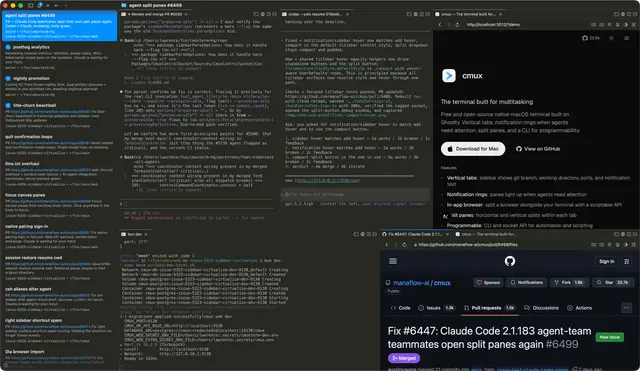
Cmux Workspace
Work inside the current cmux workspace and terminal.
Install
npx skills add manaflow-ai/cmux --skill cmux-workspace -g -a claude-code -y- Repository
- manaflow-ai/cmux28.6k
- Category
- Engineering
- Updated
- 3d ago
- License
- See repository
- Context cost
- Mediumabout 1,962 tokens
- Runs scripts
- No, instructions only
What it does
Work inside the current cmux workspace and terminal. Use for cmux workspace, current workspace, caller surface, panes, surfaces, socket targeting, and non-interfering cmux automation.
cmux Workspace
Scope work to the cmux workspace that invoked the agent.
- Window: a macOS cmux window.
- Workspace: a sidebar entry. The UI calls it a tab; CLI/socket APIs call it a workspace.
- Pane: a split region inside a workspace.
- Surface: a tab inside a pane, terminal or browser.
- Panel: internal content type inside a surface. Prefer CLI surface commands over panel internals.
Default rule
Scope actions to the current caller workspace unless the user explicitly asks for another workspace, another window, or global state. Do not assume the visually focused workspace is the right target: an agent can run in one workspace while the user looks at another.
printf 'workspace=%s\nsurface=%s\nsocket=%s\n' \
  "${CMUX_WORKSPACE_ID:-}" "${CMUX_SURFACE_ID:-}" "${CMUX_SOCKET_PATH:-}"
cmux identify --json
CMUX_WORKSPACE_ID is the default workspace anchor and CMUX_SURFACE_ID the default caller terminal anchor. If they are missing, fall back to cmux identify --json and say explicitly that you are using the currently focused context.
Non-disruptive automation
Treat layout and focus as separate concerns. select-workspace, focus-pane, focus-panel, and focus-changing tab-action verbs are user-affecting actions, like clicks. Never call them speculatively, even inside the caller's own workspace, since the user may be looking elsewhere.
Build layout additively in one shot, using commands that create a pane already populated with the right surface:
cmux new-pane --workspace "${CMUX_WORKSPACE_ID}" --type browser --direction right --url "http://127.0.0.1:8765"
cmux new-pane --workspace "${CMUX_WORKSPACE_ID}" --type terminal --direction down
cmux new-pane --workspace "${CMUX_WORKSPACE_ID}" --type terminal --direction down --command "npm run dev"



