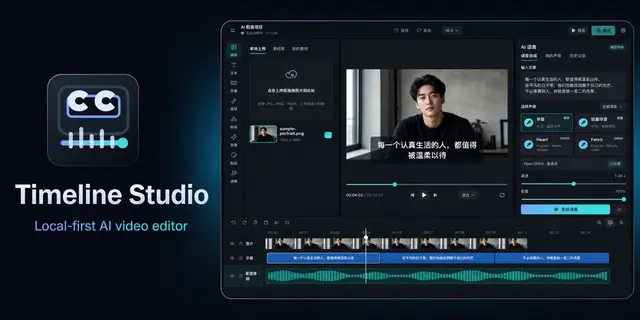
Edit Timeline Studio Browser
Use native WebMCP tools to edit the project open in Timeline Studio.
Install
npx skills add MartinDelophy/ai-video-editor --skill edit-timeline-studio-browser -g -a claude-code -y- Repository
- MartinDelophy/ai-video-editor928
- Category
- Media
- Updated
- 5d ago
- License
- MIT
- Context cost
- Mediumabout 2,658 tokens
- Runs scripts
- No, instructions only
What it does
Use native WebMCP tools to edit the project open in Timeline Studio. Inspect clips and available assets, preview and apply multi-track, caption style/position and project framing edits; sample rendered media; run local voiceover, transcription, relighting analysis and depth-video jobs; insert media; undo; save; or export video with progress and cancellation. Use for the live browser editor, not local project-file editing.
Edit the open Timeline Studio project
Use this skill for the user's live project at Timeline Studio. Discover actual page tool schemas through the user's browser host. WebMCP is experimental and requires a compatible browser and host; this document is guidance, not a callable service.
If page tools are unavailable, use authorized browser controls or the repository's local editing Skill when working with local project files. The local route requires its complete repository resources and host dependencies. Downloading this browser Skill does not install a CLI or grant permission to install software. No hosted HTTP MCP endpoint or OAuth service is provided.





