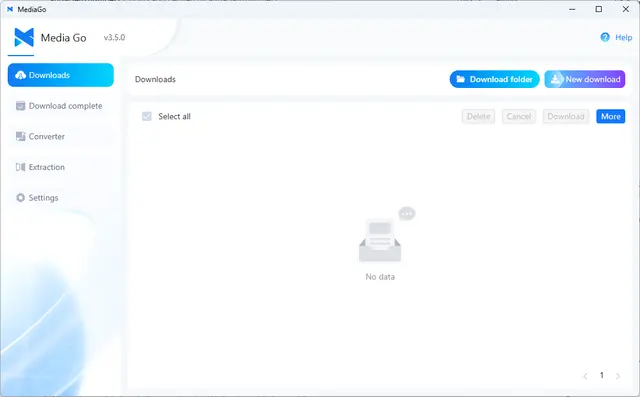
MediaGo Downloads
Downloads videos from m3u8 streams, Bilibili and direct URLs with MediaGo.
Install
npx skills add mediago-dev/mediago --skill mediago -g -a claude-code -y- Repository
- mediago-dev/mediago9.3k
- Category
- Media
- Updated
- 5d ago
- License
- MIT
- Context cost
- Lightabout 1,017 tokens
- Runs scripts
- No, instructions only
What it does
Download videos from m3u8/HLS streams, Bilibili, and direct URLs using MediaGo. 下载视频、m3u8直播流、B站视频。 Triggers on: download video, 下载视频, 下载这个链接, 帮我下载, m3u8 download, 设置mediago地址, configure mediago, mediago api key. Requires a running MediaGo instance (desktop app or Docker).
MediaGo Video Downloader
Download videos from m3u8/HLS streams, Bilibili, and direct URLs via a running MediaGo instance.
Configuration
Config file: ~/.mediago-skill.json
{
  "url": "http://localhost:8899",
  "apiKey": ""
}
First-time Setup / 首次配置
If ~/.mediago-skill.json does not exist, show the following message (respond in the user's language):
EN: "MediaGo is not configured yet. To use this skill:
1. Install MediaGo (if you haven't already):
- Desktop app: Download from https://github.com/caorushizi/mediago/releases
- Docker:
docker run -d --name mediago -p 8899:8899 -v /path/to/mediago:/app/mediago ghcr.io/caorushizi/mediago:latest2. Initialize, tell me your MediaGo address, for example:
- Docker:
设置 mediago 地址为 http://localhost:8899- Desktop app:
设置 mediago 地址为 http://192.168.x.x:39719"CN: "MediaGo 还没有配置。要使用此功能:
1. 安装 MediaGo(如果还没装):
- 桌面客户端:从 https://github.com/caorushizi/mediago/releases 下载安装
- Docker 部署:
docker run -d --name mediago -p 8899:8899 -v /path/to/mediago:/app/mediago ghcr.io/caorushizi/mediago:latest2. 初始化配置, 告诉我你的 MediaGo 地址,例如:
- Docker:
设置 mediago 地址为 http://localhost:8899- 桌面客户端:
设置 mediago 地址为 http://192.168.x.x:39719"
When the user provides the URL (and optionally an API key), write it to ~/.mediago-skill.json.
Updating Config / 更新配置
Trigger on phrases like:
- EN: "set mediago url to ...", "mediago api key is ...", "my mediago is at ..."
- CN: "设置 mediago 地址为 ...", "mediago api key 是 ...", "我的 mediago 跑在 ..."
Read the existing config, update the relevant field, and write it back.
API Reference
All API calls use curl. Read url and apiKey from ~/.mediago-skill.json before each call.
If apiKey is set, add header: -H "X-API-Key: API_KEY"
Health Check
curl -s BASE_URL/healthy
Returns {"success":true,...} if service is running.





