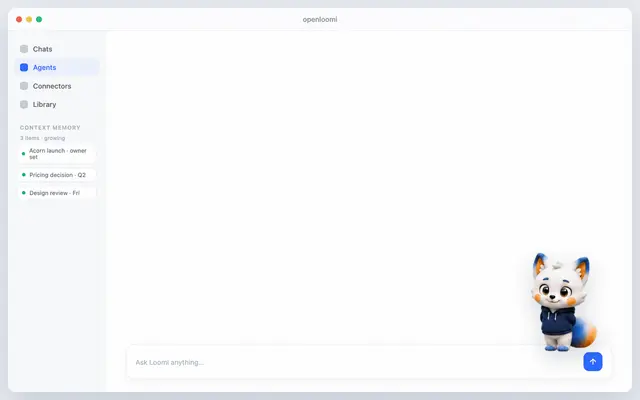
Openloomi Setup
OpenLoomi first-use setup and readiness guidance for skill-only agent runtimes.
Install
npx skills add melandlabs/openloomi --skill openloomi-setup -g -a claude-code -y- Repository
- melandlabs/openloomi1k
- Category
- AI and agents
- Updated
- 1mo ago
- License
- Apache-2.0
- Context cost
- Lightabout 323 tokens
- Runs scripts
- No, instructions only
What it does
OpenLoomi first-use setup and readiness guidance for skill-only agent runtimes. Use when OpenLoomi is not yet installed, the local API is not reachable, the session/token is missing, or the user needs a manual install and launch walkthrough before using OpenLoomi skills.
OpenLoomi Setup
Use this skill first when OpenLoomi readiness is unknown.
Keep it lightweight and manual-first:
- If OpenLoomi Desktop is not installed, point the user to the official Getting Started docs.
- If the desktop app is installed but not running, tell the user to open it.
- If the local API is not reachable, ask the user to retry after launch.
- If the token/session is missing, ask the user to complete sign-in or guest session setup inside OpenLoomi.
Check Readiness
Run the bundled status script when you need a quick local check:
node "$SKILL_DIR/scripts/openloomi-setup.cjs" status
The script reports:
- whether OpenLoomi Desktop looks installed
- whether the local API responds on
3414or3515 - whether
~/.openloomi/tokenexists - what the next manual step should be
Output Contract
Treat ready: true as the handoff point to the other OpenLoomi skills:
openloomi-memoryopenloomi-connectorsopenloomi-loopopenloomi-api
If ready is false, surface the returned nextAction and the official
Getting Started link instead of guessing.
Official Install Path
If the desktop app is missing, direct the user to:
https://openloomi.ai/docs/getting-startedhttps://github.com/melandlabs/openloomi/releases




