Playwriter
Browser automation via Playwriter (remorses) using persistent Chrome sessions and the...
Install
npx skills add mikeyobrien/ralph-orchestrator --skill playwriter -g -a claude-code -y- Repository
- mikeyobrien/ralph-orchestrator3.2k
- Category
- Testing
- Updated
- 5d ago
- License
- MIT
- Context cost
- Lightabout 664 tokens
- Runs scripts
- No, instructions only
What it does
Browser automation via Playwriter (remorses) using persistent Chrome sessions and the full Playwright Page API.
Playwriter
Overview
Use Playwriter to run Playwright Page scripts against your local Chrome session. This preserves logins, cookies, and extensions, which is ideal for web dashboard testing and authenticated flows.
When to Use
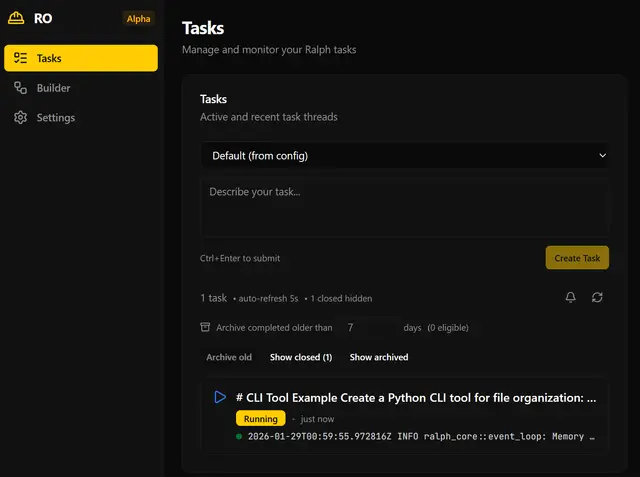
- Validating the Ralph web dashboard UI
- Navigating authenticated pages without re-logging in
- Testing flows that require browser extensions or saved state
- Capturing accessibility snapshots for element discovery
Prerequisites
- Install the CLI:
npm i -g playwriter - Install the Playwriter Chrome extension (see the Playwriter repo instructions)
- Ensure Chrome is running and the extension is enabled
Core Workflow
- Create a session:
playwriter session new - List sessions and copy the session id:
playwriter session list - Execute Playwright code against that session:
playwriter -s <session_id> -e "await page.goto('https://example.com')"
Execution Environment
Within -e, these are available in scope:
page(Playwright Page)context(BrowserContext)state(persistent object across calls in the same session)require(for loading helper modules)
Example state persistence:
playwriter -s <session_id> -e "state.lastUrl = page.url()"
playwriter -s <session_id> -e "console.log(state.lastUrl)"
Common Patterns
Navigate + click
playwriter -s <session_id> -e "await page.goto('http://localhost:3000'); await page.getByRole('button', { name: 'Run' }).click();"
Fill forms
playwriter -s <session_id> -e "await page.getByLabel('Email').fill('qa@example.com'); await page.getByLabel('Password').fill('secret'); await page.getByRole('button', { name: 'Sign in' }).click();"





