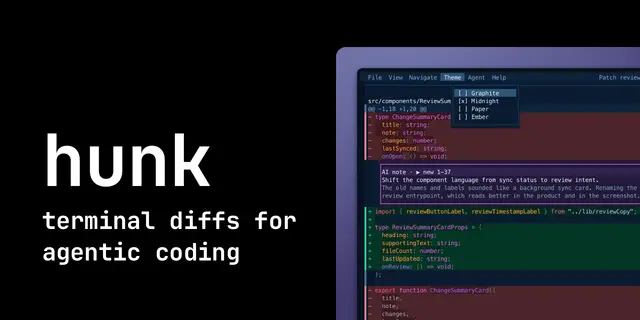
Hunk Launch Video
Produces Hunk videos by driving the real TUI headlessly in a PTY, compositing captioned...
Install
npx skills add modem-dev/hunk --skill hunk-launch-video -g -a claude-code -y- Repository
- modem-dev/hunk9.7k
- Category
- Media
- Updated
- 3d ago
- License
- MIT
- Context cost
- Mediumabout 3,000 tokens
- Runs scripts
- No, instructions only
What it does
Produces Hunk videos by driving the real TUI headlessly in a PTY, compositing captioned 1080p frames in Chromium, and encoding with ffmpeg. Use for feature demos, workflow explainers, announcements, launch videos, and full-release roundups.
Hunk video pipeline
Source-checkout only: the pipeline lives in scripts/launch-video/, which never ships to npm.
It can be used for pull-request demos as well as maintainer release videos. Unix-only, the
capture scripts exec /bin/bash.
Generates product videos where every terminal frame is the real Hunk TUI, no screen recording, no mockups. Three stages:
capture.ts   (bun)               drive Hunk over a PTY, snap styled keyframes to PNG
compose.mjs  (node + Playwright) render each PNG on a 1920x1080 HTML stage in Chromium
ffmpeg                           encode the composited PNGs at 30fps to mp4/webm
Playwright controls headless Chromium: for each planned frame it loads the terminal PNG onto the HTML stage, applies the window chrome, cards, captions, and transition state, then screenshots the completed stage back to PNG. ffmpeg sequences those composited screenshots into the final videos.
The generic machinery (PTY driving, keyframe rendering, storyboard planning,
Chromium compositing, the stage template) is the @hunk/term-video workspace
package in packages/term-video/; scripts/launch-video/ holds only Hunk's
scenes, captions, and cards on top of it.
Choosing a recipe
The pipeline is not release-specific. Choose the editorial scope, then use the same capture → composite → encode stages:
- Single feature: a short demonstration of one capability or workflow. Use the single-feature recipe below and capture only the required scene.
- Full release: the social promo for a release, in Hunk's house style
(
scripts/launch-video/promo/). Use the full-release recipe: write one storyboard file for the release; the style kit stays unchanged. - Custom video: author any set of scenes and
SHOTSfor tutorials, comparisons, announcements, or workflow explainers; follow the scene and storyboard rules below.





