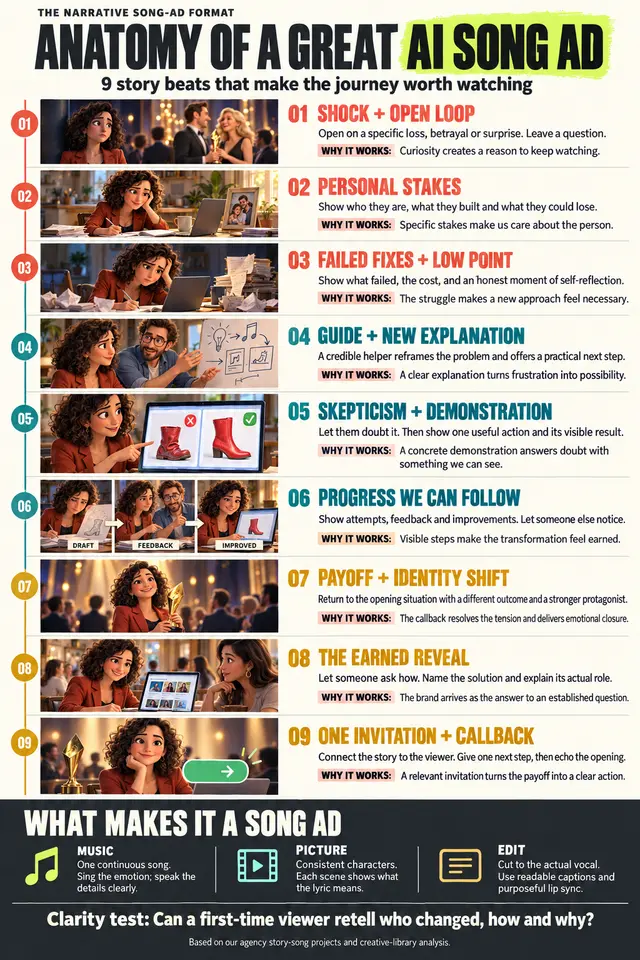
Analyze Video
Analyze a reference video and reverse-engineer its style into a reusable Seedance 2.0...
Install
npx skills add mrpaidsocial/arcads-claude-code-mrpaidsocial --skill analyze-video -g -a claude-code -y- Repository
- mrpaidsocial/arcads-claude-code-mrpaidsocial1.6k
- Category
- Media
- Updated
- 16d ago
- License
- MIT
- Context cost
- Mediumabout 3,000 tokens
- Runs scripts
- Yes, review before use
What it does
Analyze a reference video and reverse-engineer its style into a reusable Seedance 2.0 prompting template. The output is a new skill/formula (like seedance-2-ugc.md) that captures the video's structure, pacing, camera work, edit style, and tone so it can be recreated with any product, any person, in any setting. Use this whenever someone provides a video they want to use as a style reference, says "I want to make videos like this", "deconstruct this video", "turn this into a template", "analyze this style", or drops a video file and wants to recreate that format repeatedly.
Analyze Video → Reusable Prompting Template
Someone found a video style they love. Your job is to deconstruct it into a reusable prompting template, a formula they can plug any product, person, or setting into and get that same style back from Seedance 2.0.
Critical constraint: Seedance 2.0 has a 15-second maximum per clip. The reference video may be longer than 15 seconds (often 30-60s). Your template must be designed for 15-second output, which means distilling the style's essence into what can be captured in a single 15-second clip, and providing a multi-clip strategy for recreating the full effect of longer-form styles across a series of clips.
The output is NOT a single prompt. It's a template skill saved to
skills/arcads-external-api/prompting/prompt-library/ that works the same way
seedance-2-ugc.md works, a documented formula
with layers, variables, options, and examples that the agent can use to generate unlimited
prompts in that style.
Dependencies
- ffmpeg / ffprobe, required for frame extraction (Step 1). Install via
brew install ffmpegon macOS. - whisper, optional, for audio transcription (Step 2). Install via
pip3 install openai-whisper. If unavailable, the agent can ask the user to provide dialogue manually.
Inputs
- Video file (required): path to
.mp4,.mov,.webm, or similar - Style name (optional): what to call this template (e.g., "car-review", "unboxing-hype", "skeptic-converted"). If not provided, you'll name it based on what you observe.
Step 1: Extract frames and audio
Run the extraction script:
bash "skills/arcads-external-api/prompting/analyze-video/scripts/extract-frames.sh" "<video_path>" "/tmp/video-analysis" <num_frames>
Frame count by duration:
- Under 10s → 8 frames
- 10-20s → 12 frames
- 20-30s → 16 frames
- Over 30s → 20 frames
Read metadata.txt for duration, resolution, and fps.





