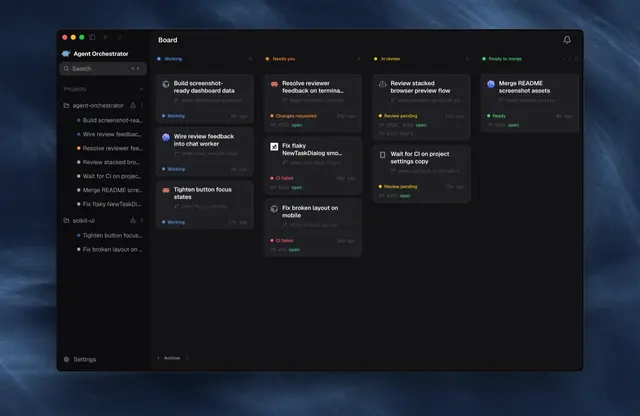
Ao Rules
Shared rules and the connection helper for every ao-* skill (run Orchestrator from chat).
Install
npx skills add OrchestratorInc/agent-orchestrator --skill ao-rules -g -a claude-code -y- Repository
- OrchestratorInc/agent-orchestrator14k
- Category
- Engineering
- Updated
- 3d ago
- License
- Apache-2.0
- Context cost
- Mediumabout 2,184 tokens
- Runs scripts
- No, instructions only
What it does
Shared rules and the connection helper for every ao-* skill (run Orchestrator from chat). Read before running any ao-* skill.
AO rules
Every ao-* skill follows these rules. Other skills link here instead of repeating them.
AO hosts
An AO host is one computer that runs the AO daemon. Each host has its own projects, sessions and orchestrators, and AO never links them: a repo cloned on two hosts is two separate projects. AO names a project after its folder, so both can still get the same id, and then the same session id (for example agent-orchestrator-1-12) can exist on both. Always name a session as <host>/<session id>, and act only on the host that owns it.
Memory keeps one note named AO hosts, with one line per host:
| Field | Example | Meaning |
|---|---|---|
name | Pro | A short name: the user's pick, else the model word of the ListMachines label (Pro, Air, mini). Never the network hostname such as MacBookAir.lan |
reach | local or remote | How you get to its AO |
via | laptop | The ListMachines label of the computer whose shell you use |
base | http://192.168.1.20:7444 | Remote only. The host's LAN address from AO's remote access settings |
header | ~/.ao-grok/studio.header | Remote only. File on via that holds the host's password |
- local: the Grok Bot desktop app runs on the AO host.
viais the host itself. - remote: the Grok Bot desktop app runs on another computer. You call the host's AO API over the network from
via. TheaoCLI onviatalks only tovia's own AO, so never use it for a remote host.
One computer can be via for itself (local) and for other hosts (remote) at the same time.
Every run: call ListMachines, then use every host whose via computer is connected, in parallel, labelled by host name. Say once which hosts you could not reach. Never hard-code machine ids or home paths.
Calling AO
Start every shell command that calls AO with this helper. It works in zsh and bash:



