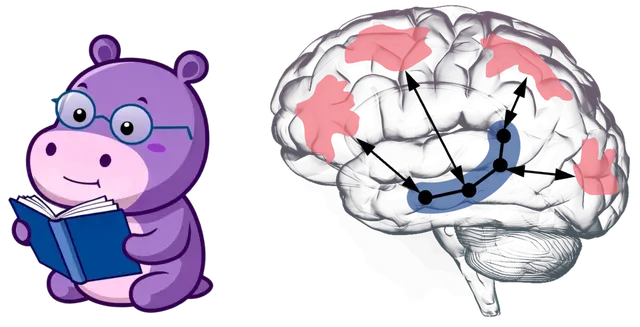
Hipporag Memory
How to use the HippoRAG MCP tools (retrieve, rag_qa, index, delete, index_stats) as...
Install
npx skills add OSU-NLP-Group/HippoRAG --skill hipporag-memory -g -a claude-code -y- Repository
- OSU-NLP-Group/HippoRAG4.1k
- Category
- AI and agents
- Updated
- 29d ago
- License
- MIT
- Context cost
- Lightabout 788 tokens
- Runs scripts
- No, instructions only
What it does
How to use the HippoRAG MCP tools (retrieve, rag_qa, index, delete, index_stats) as long-term memory. Use when the user asks to remember, index or "add to memory" documents, notes or files, when they ask questions that may be answered by previously indexed material, or when they ask to forget or remove indexed content.
HippoRAG long-term memory
The hipporag MCP server keeps a persistent knowledge-graph index on disk. Indexed passages survive across sessions and projects, so check it before saying you don't know something the user may have indexed earlier.
Choosing a tool
retrieve: the default for answering questions. It returns ranked passages withsource_idand metadata and makes no LLM call. Read the passages, answer in your own words, and citesource_ids. Usetop_k5, 10 for most questions and up to ~20 for broad or multi-hop ones.rag_qa: only when the user explicitly wants HippoRAG's own answer, for example when comparing against the paper's QA pipeline. It costs an extra server-side LLM call, and you still need to check its answer against the returned passages.index_stats: check that the index is non-empty and see which LLM and embedding model it uses. Call it first when a retrieval fails or comes back empty.index: add documents (see below).delete: remove passages bysource_id(preferred) or by exact passage text as returned byretrieve. Deletion cannot be undone, so confirm with the user before deleting anything they did not name explicitly.




