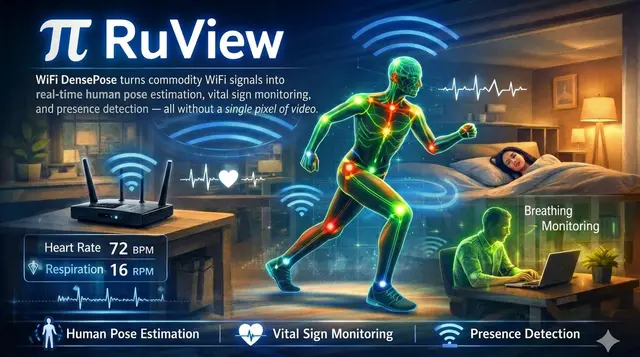
RuView Setup Path
Picks a RuView setup path (Docker, repo build or live ESP32) and runs the next step.
Install
npx skills add ruvnet/RuView --skill onboard -g -a claude-code -y- Repository
- ruvnet/RuView102k
- Category
- Engineering
- Updated
- 3d ago
- License
- MIT
- Context cost
- Lightabout 290 tokens
- Runs scripts
- No, instructions only
What it does
Zero-to-sensing path picker for RuView (WiFi-DensePose), pick docker-demo, repo-build, or live-esp32 and run the next concrete step.
onboard
Get a newcomer from nothing to a working RuView setup. First fact to set: WiFi
sensing infers coarse pose/presence/breathing from Channel State Information, it
is not a camera, and any accuracy number must be MEASURED against a baseline
(use the verify skill / ruview_claim_check tool). Never present WiFi output as
camera-grade.
Pick a path
Run ruview_onboard {path} or decide from:
- docker-demo, fastest, no hardware. Replays sample CSI into the dashboard.
docker run -p 8000:8000 ruvnet/wifi-densepose→ openhttp://localhost:8000. Use to see what it looks like. - repo-build, for developers.
cd v2 && cargo test --workspace --no-default-features(1,031+ tests pass), thencargo run -p wifi-densepose-cli -- --help. - live-esp32, a real install. Flash a node (
provision-nodeskill), point it at the sensing-server, thencalibrate-room. This is the only path that senses a real room.
Then
- Live sensing → go to provision-node, then calibrate-room.
- Evaluating a model/claim → go to verify and run
ruview_claim_checkon any report before you quote a number.



