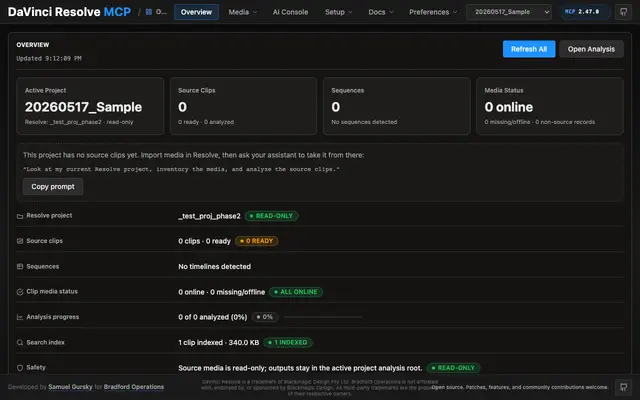
Resolve Session
Start a Resolve working session, connect, confirm the bridge and edition, open the...
Install
npx skills add samuelgursky/davinci-resolve-mcp --skill resolve-session -g -a claude-code -y- Repository
- samuelgursky/davinci-resolve-mcp3.9k
- Category
- Engineering
- Updated
- 3d ago
- License
- MIT
- Context cost
- Lightabout 858 tokens
- Runs scripts
- No, instructions only
What it does
Start a Resolve working session, connect, confirm the bridge and edition, open the project, and report timeline and media-pool state before any editing begins.
Start a Resolve Session
Run this at the top of an editing conversation so the session begins with known state instead of four rounds of discovery. Report findings compactly; this is orientation, not an audit.
Steps
-
Connect and identify the host.
resolve_control(action="get_version"), or the nearest capability action.Capture: Resolve version, Studio vs free edition, and whether this connected over external scripting or the in-app bridge. If the connection fails, read the error's own
remediationfield and follow it, it names the applicable fix. A connection error does not mean the free edition is unsupported; the bridge path (Workspace > Scripts > resolve_bridge) covers it, and is used automatically once running,DAVINCI_RESOLVE_BRIDGE=1only forces it.Report both versions:
version_stringis the Resolve build,mcp.versionis this server. They fail differently, and one of them is easy to forget, a running MCP keeps executing the version it started with, so agit pulldoes not refresh its ledger until restart. -
Ask what this build cannot do.
get_versionalready answers this in itsbuild.unavailable_on_this_buildblock, so read that first;resolve_control(action="check_version_support")is for asking about one named symbol, or for re-checking after a reconnect.The scripting API changes per patch release, so "Resolve 21" is not a usable label:
GetFairlightPresetsneeds 20.2.2, and three surfaces exist in 21.0.4 but not 21.0.2. Knowing this at the top of the session is the difference between "that needs 21.0.4, here is the alternative" and discovering it halfway through a task.Two things to hold on to:



