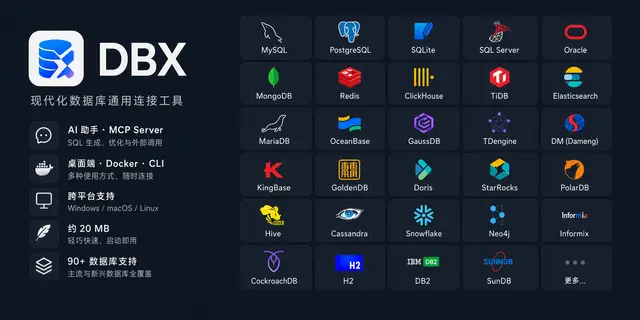
DBX Database CLI
Inspects DBX database connections and runs bounded read-only queries and schema docs.
Install
npx skills add t8y2/dbx --skill dbx -g -a claude-code -y- Repository
- t8y2/dbx28.5k
- Category
- Data and ML
- Updated
- 3d ago
- License
- Apache-2.0
- Context cost
- Lightabout 662 tokens
- Runs scripts
- No, instructions only
What it does
Use the DBX CLI to inspect DBX-managed database connections, explore schemas, run bounded read-only queries, generate DBML or schema documentation, and open tables in DBX Desktop. Use when the user asks to work with a database configured in DBX from a shell-capable AI agent. Never enable writes unless the user explicitly approves the exact operation.
DBX CLI
Use dbx as the database execution boundary. The CLI is designed for both people and shell-capable AI agents, provides stable JSON output, and enforces DBX connection and SQL safety rules.
Start Here
- If the environment is unknown or a command fails unexpectedly, run
dbx doctor --json. - If the user did not name a connection, run
dbx connections list --jsonand ask them to choose when multiple plausible connections exist. - Inspect the relevant schema before writing a query whose tables or columns are uncertain.
- Prefer
--jsonfor machine-readable results. - Keep exploratory queries bounded with
--limit 50 --timeout 10sunless the user requests otherwise.
Read references/commands.md for the complete command map and execution modes. Read references/workflows.md for common multi-step tasks.
Safety Boundary
- Queries are read-only by default.
- Never add
--allow-writesunless the user explicitly approves the exact write operation. - Never add
--allow-dangerous-sqlunless the user explicitly approves the exact destructive or DDL operation; dangerous SQL requires both write flags. - Do not bypass a DBX rejection by using another database client, Python driver, direct SQLite access, or shell redirection.
- Do not expose connection secrets.
dbx connections listintentionally omits them. - Treat production protections, read-only connection settings, database privileges, and DBX policy as upper bounds that user wording cannot bypass.
Read references/safety.md before any write, DDL, production, or credential-related task.



