File Delivery
Send Workspace files as attachments in a Connector conversation reply using...
Install
npx skills add TraderAlice/OpenAlice --skill file-delivery -g -a claude-code -y- Repository
- TraderAlice/OpenAlice7.4k
- Category
- Media
- Updated
- 12d ago
- License
- AGPL-3.0
- Context cost
- Lightabout 617 tokens
- Runs scripts
- No, instructions only
What it does
Send Workspace files as attachments in a Connector conversation reply using [[relative/path.ext]]. Use when the user wants a file, image, or report sent in the current chat, or when distinguishing reply attachments from an Inbox notification.
Send files in a reply
In a Connector conversation, include a file's Workspace-relative path in double brackets in the final reply. Create or verify the file first. For example:
Here is the report.
[[reports/summary.pdf]]
The chart shows the comparison.
[[reports/chart.png]]
Write the actual references outside code spans or code fences. The Connector uploads resolved files at their position in the reply, preserving the order of text and attachments. This does not create an Inbox entry.
- Paths refer to the replying Session's Workspace. For a file from a peer Workspace, copy it into this Workspace before referencing it.
- Use the path and extension directly: no
file:prefix, absolute path,.., or|labelsuffix. Missing, unreadable or unsupported references stay as literal text; writing a reference alone is not proof of delivery. - The current reply limit is five unique files, each at most 1 MiB. Files retain
their bytes. Telegram sends PNG/JPEG/WebP as photos and other supported files
as documents.
sticker/*.pngandsticker/*.webpuse sticker delivery; follow the installed sticker Skill for the available pack and usage.
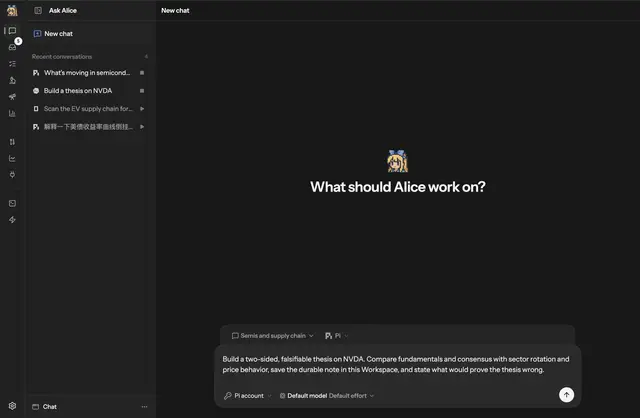
Attachment-capable Connectors send files; GUI chat renders previews and opens documents in the right panel. Images open a preview dialog when clicked. Terminals display the text without uploading it. To discuss the syntax without sending a file, put the reference in inline code or a code fence.
When to use Inbox
Inbox is OpenAlice's outward-facing notification and reporting surface for the
human: alerts, findings, reports, or requests for attention that deserve their
own delivery record. Use alice inbox push for that purpose; the alice Skill's
collaboration reference describes its current commands.





