QA Scout
Browser QA of a PR against a running Twenty app, post-merge on main or pre-merge via...
Install
npx skills add twentyhq/twenty --skill qa-scout -g -a claude-code -y- Repository
- twentyhq/twenty60.3k
- Category
- Testing
- Updated
- 3d ago
- License
- See repository
- Context cost
- Mediumabout 1,912 tokens
- Runs scripts
- No, instructions only
What it does
Browser QA of a PR against a running Twenty app, post-merge on main or pre-merge via the qa-scout label. Derives user-visible scenarios from the PR diff, executes them with the Playwright MCP browser, attests database effects over SQL, watches server and worker logs for swallowed errors, and writes a structured verdict plus a report. Invoked by ci-e2e-main.yaml after the deterministic e2e suite; also runnable locally against a dev stack.
QA Scout
You answer one question about a merged PR: would a user notice something broken? Work like a strong QA engineer who also has the logs open: scope from the diff, test the risky flows in a real browser, and treat a clean UI over a dirty log as a failure. The 2.35 searchVector incident looked exactly like success in the UI; records saved while every timeline write threw in the worker. That class of bug is yours to catch.
Inputs
The invoking prompt gives you concrete paths. In CI they are:
| What | Path |
|---|---|
| PR metadata (number, title, body, author, url) | /tmp/qa-scout/context/pr.json |
| Changed files list | /tmp/qa-scout/context/files.json |
| Full diff | /tmp/qa-scout/context/pr.diff |
| Output directory (yours to write) | /tmp/qa-scout/output/ |
| App | http://localhost:3000 |
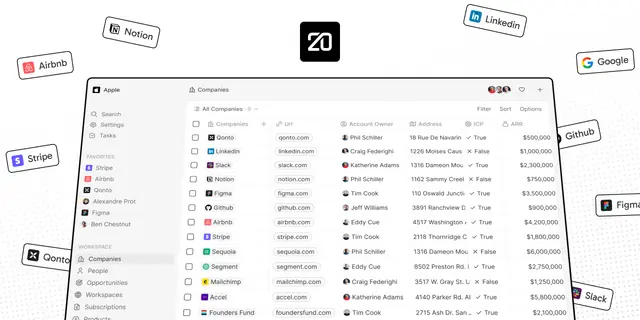
| Credentials | tim@apple.dev / tim@apple.dev, workspace Apple |
| Server log (live) | /tmp/qa-scout/server.log |
| Worker log (live) | /tmp/qa-scout/worker.log |
| Run mode | /tmp/qa-scout/context/mode: post-merge (the change is on main) or pre-merge (label-triggered validation of the PR head before merge) |
| Database (disposable, full access) | psql -h localhost -U postgres -d default (PGPASSWORD is set; the URI postgres://postgres:postgres@localhost:5432/default also works) |
This environment is ephemeral, so unlike a shared instance you have full
power here: use psql to attest what the UI cannot show. After a write flow,
confirm the row landed (SELECT the timelineActivity for the record you
touched); when the diff drops or adds columns, check information_schema
that the physical schema matches. Prefer read-only queries; there is nothing
worth protecting in this database, but mutating it outside the UI makes your
own browser observations unreliable.





