Setup QA
Prepare the current DevSpace checkout or worktree for isolated local manual QA.
Install
npx skills add Waishnav/devspace --skill setup-qa -g -a claude-code -y- Repository
- Waishnav/devspace5.4k
- Category
- Testing
- Updated
- 3d ago
- License
- MIT
- Context cost
- Lightabout 379 tokens
- Runs scripts
- No, instructions only
What it does
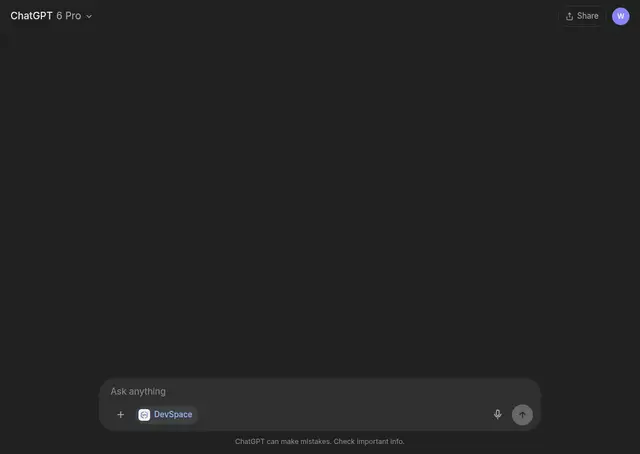
Prepare the current DevSpace checkout or worktree for isolated local manual QA. Use when the user asks to set up QA, test a worktree locally, try an experiment in ChatGPT, or reset the local QA environment.
Set up DevSpace manual QA
Use the current checkout or worktree. DevSpace's repo-local QA state lives in .devspace-dev/ and should be used instead of the user's normal DevSpace state.
Prepare the checkout
If this checkout has not been initialized for QA yet:
pnpm dev:seed
dev:seed forks the user's current DevSpace config, auth, local skills/agents, and SQLite state into this checkout's .devspace-dev/ directory.
For ChatGPT app, widget, CSS, or icon changes, build the UI assets before testing:
pnpm build:app
The source server serves UI assets from dist/ui, not directly from src/ui.
Run QA
Start the source server from this checkout with:
pnpm dev
It uses .devspace-dev/config and runs the source server under tsx watch, so server-side TypeScript changes reload automatically. Frontend changes still need another pnpm build:app.
The seeded QA state usually lets ChatGPT keep using the existing connector and tunnel while switching from the installed DevSpace server to this checkout's server.
For UI work, trigger a fresh tool result after rebuilding so ChatGPT loads the new hashed Vite assets.
Reset the QA snapshot
Only when a fresh fork of the normal DevSpace state is needed:
pnpm dev:reset
Run this with pnpm dev stopped, then start pnpm dev again so the replaced snapshot is loaded. If the user's normal installation uses a custom DEVSPACE_CONFIG_DIR, preserve it while running dev:seed or dev:reset.





