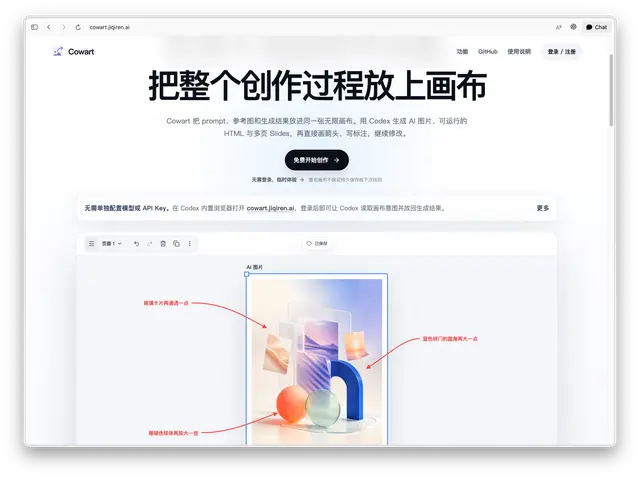
Cowart Open Canvas
Open, reopen, or explicitly refresh the native Cowart canvas when the user asks to see...
Install
npx skills add zhongerxin/Cowart --skill cowart-open-canvas -g -a claude-code -y- Repository
- zhongerxin/Cowart6k
- Category
- Engineering
- Updated
- 27d ago
- License
- MIT
- Context cost
- Lightabout 796 tokens
- Runs scripts
- No, instructions only
What it does
Open, reopen, or explicitly refresh the native Cowart canvas when the user asks to see it, or when a bare @Cowart invocation has no other requested workflow.
Cowart Open Canvas
The actual canvas-opening capability is the cowart_mcp MCP server and its render_cowart_canvas_widget tool. Use this skill when the user asks to open, reopen, or explicitly refresh the canvas. A bare @Cowart invocation with no other actionable request may also open the canvas. Do not use this skill as a prerequisite for image generation, annotation editing, HTML, Slides, or follow-up requests sent from an already-open Cowart widget.
Workflow
- Ensure the
cowart_mcpMCP server is loaded or discoverable and that itsrender_cowart_canvas_widgettool is available. The host may expose the complete tool name asmcp__cowart_mcp__render_cowart_canvas_widget. Call the tool once for the user's open, reopen, or explicit refresh request. Pass the user's active Codex workspace asprojectDir; do not pass the Cowart plugin repository directory.
{
  "projectDir": "/absolute/path/to/user/codex-project"
}
The tool returns openai/outputTemplate: ui://widget/cowart/canvas.html, which tells Codex to render the widget directly. Do not start scripts/start-canvas.sh or open a localhost URL for normal use.
Cowart also declares an OpenAI MCP Extensions global entrypoint, so supported hosts can show it in navigation and let the user pin it. Clicking that entrypoint sends {} and opens the canvas directly at <system Documents>/Cowart/canvas/. This is one shared local canvas with multiple pages; the first page is created only when none exists. There is no project picker. Empty arguments never infer a workspace from the MCP process directory. When a workspace is known in chat, keep passing projectDir to open its canvas directly. Cowart declares only the fullscreen display mode; in a conversation, the host may place fullscreen apps in the content side panel.



